Reuse last year’s poster
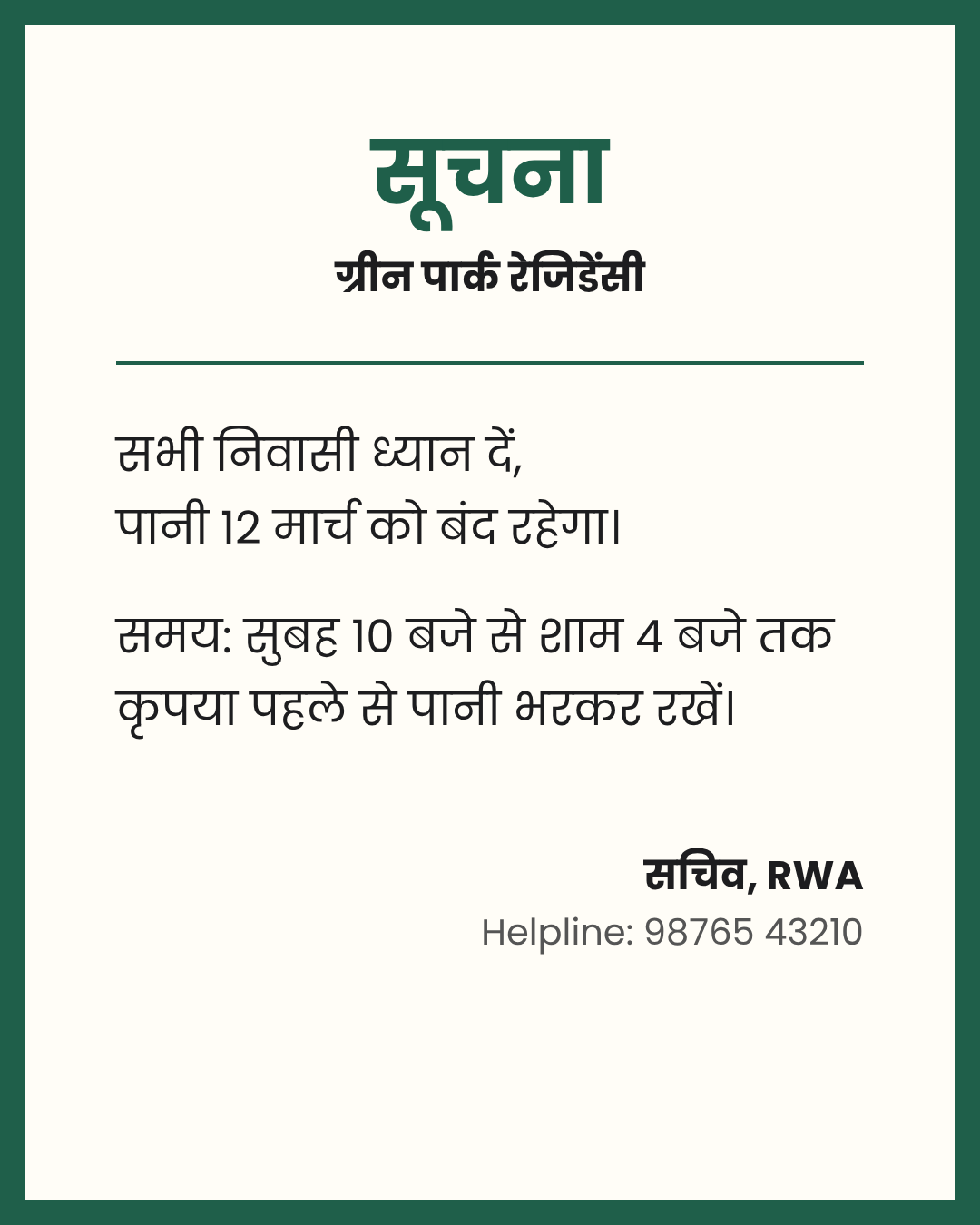
A school clears the old dates and fee from its annual-function poster, then prints it again with this year’s details.
Upload a picture and take out every word in one click, or only the ones you tap. The background is filled in from what is around it, so no box or blur is left behind.
or drop a picture here, or paste it with Ctrl+V



or drop a picture here, or paste it with Ctrl+V
This is the tool above, recorded as it is. A festival poster goes in, every line of text comes out, and the sky behind it is painted back in.
Drop it on the box, paste a screenshot with Ctrl+V, or choose a file. It is read on your device and never uploaded.
Remove all text in one go, tap only the lines you want gone, or brush over a logo, stamp or stray mark.
Hold Compare to see the original. If too much went, brush Restore over it. Then download at full size.
A school clears the old dates and fee from its annual-function poster, then prints it again with this year’s details.
An online seller removes an old phone number and price sticker printed on the photos of their own products before listing them again.
A teacher erases the student names from a class-group screenshot before using it as an example in a lesson.
Many text removers smear a blur over the words. PicRetext finds the shape of each letter and fills only those pixels, from what is right around them.
Auto picks the way for you. Smooth suits gradients, skies and soft photos. Texture copies grain, paper, wood or cloth from next to the text, so the spot does not look flat.
“Remove all text” clears captions, dates, prices and labels at once. “Select text” keeps the heading and drops the rest. The brush takes care of anything that is not text, like a sticker or a stamp, and Restore brings back what you want to keep.
After the old text is gone, open the picture in the image text editor and type. The new words get a matching font, size and colour, as if they were always there.
Edit text in an image →Yes. Remove text from as many images as you like, with no sign-up and no watermark on the download.
On plain colours, gradients and screenshots it is usually invisible. On busy photos such as grass, crowds or fabric, choose Texture, and brush Restore over any spot that looks off.
Yes. English and Hindi text are both found on their own, including lines that mix the two.
No. The text is found and removed in your browser, so the picture never leaves your device.
PNG, JPEG, WebP and BMP, up to 40 megapixels. The download keeps your picture’s size and format.
Have a picture with text to remove?
Free, in your browser, no sign-up.