Share class notes as a PDF
A student photographs six pages of handwritten notes and sends one clean PDF to the class group instead of six dark photos.
Took a photo of a page on the table? Upload it and get a flat, clean scan: the page is straightened and turned the right way up, the shadow and yellow light are gone, the paper turns white and the text comes out sharp. Save it as a PDF or a JPG.
or drop a picture here, or paste it with Ctrl+V
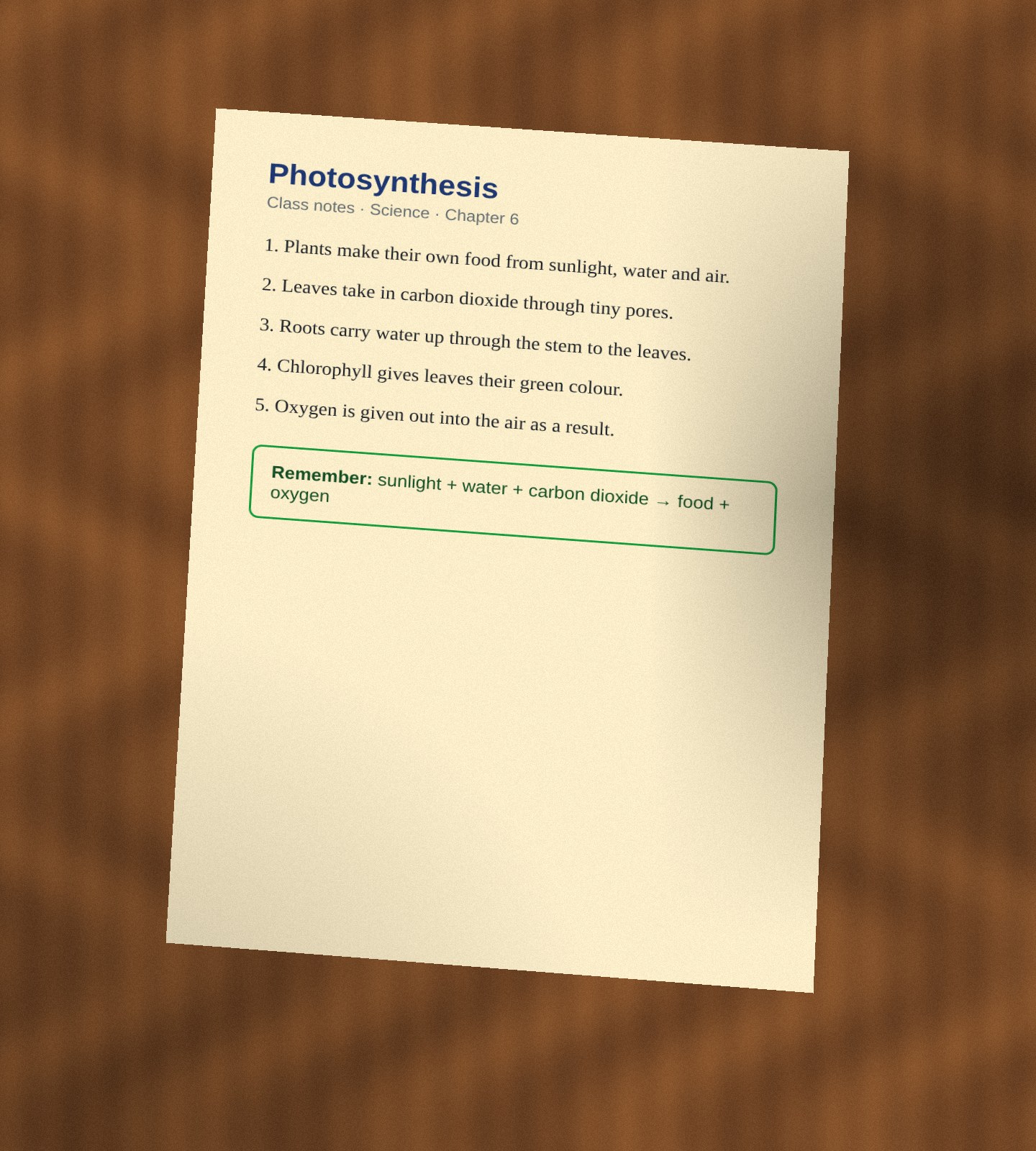
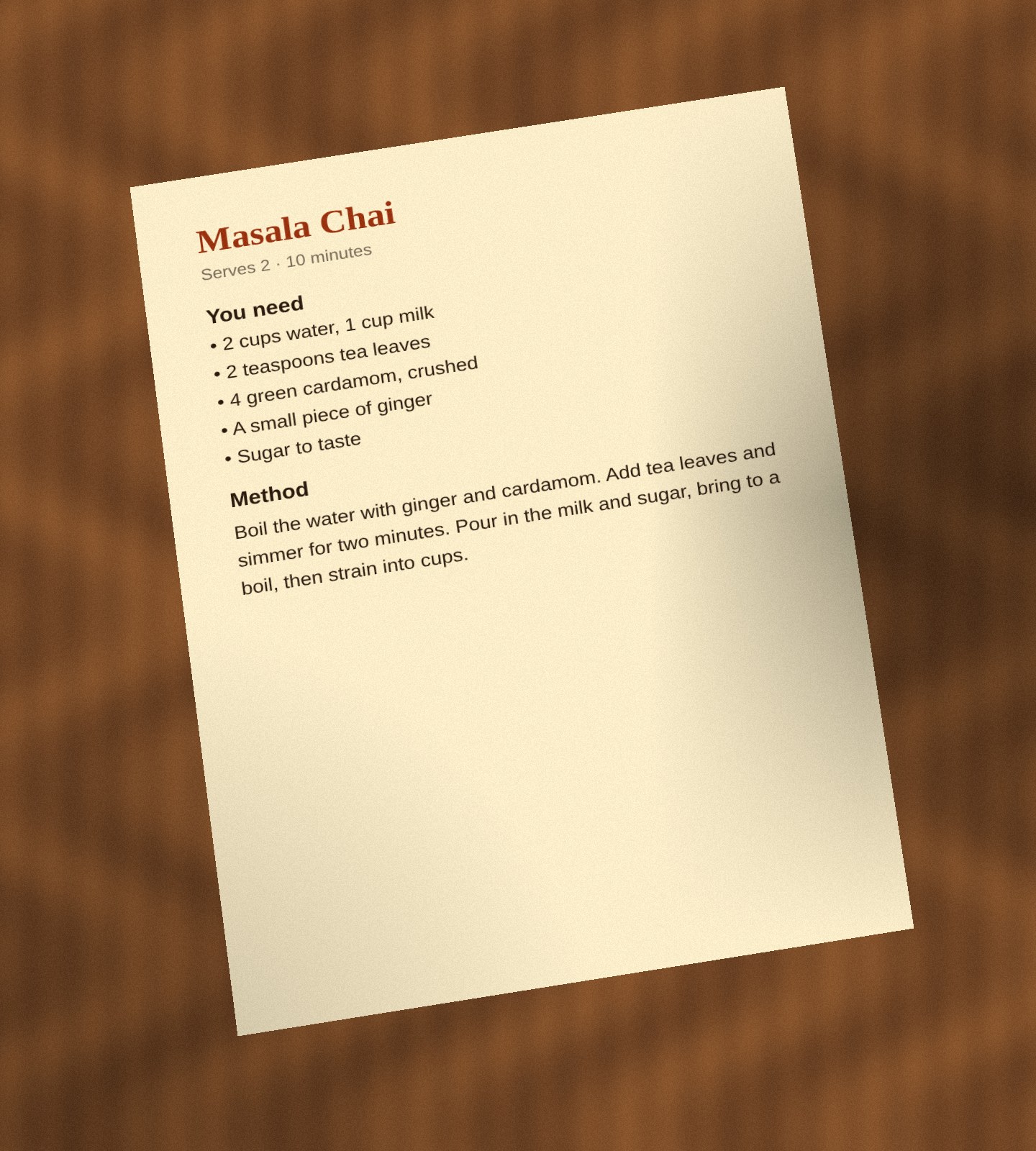
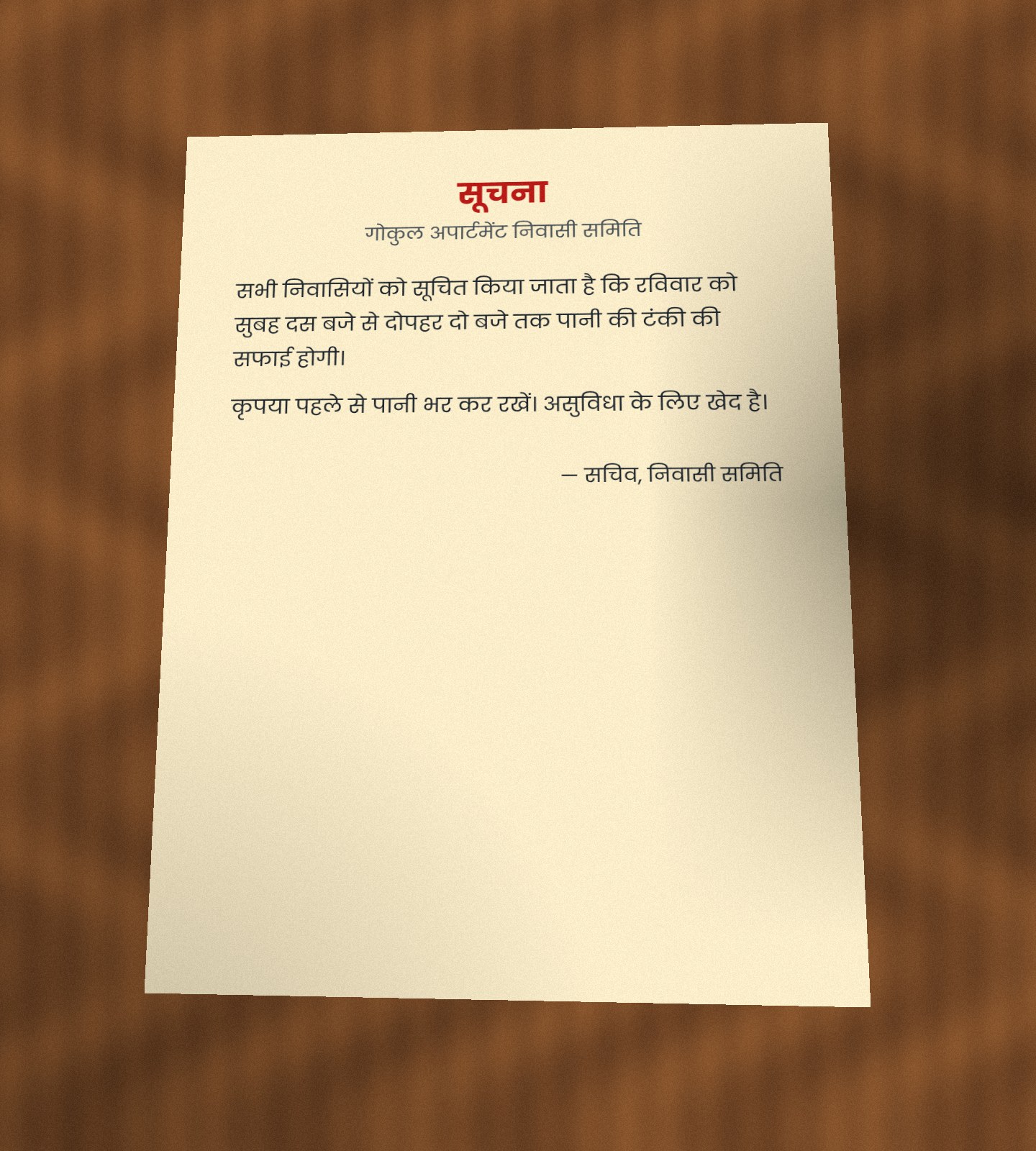
or drop a picture here, or paste it with Ctrl+V
This is the tool above, recorded as it is. A tilted photo of notes on a wooden table goes in; a straight, white page comes out, ready to save as a PDF.
Drop it on the box, paste it with Ctrl+V, or choose it from your phone’s gallery. It is read on your device and never uploaded.
The edges of the page are found by themselves, even when the sheet is bent. If a corner is off, drag it onto the corner of the paper, then press Scan this page.
Auto colour, Bright white, Grayscale or Black & white. Turn the page if needed, add more pages, and download one PDF or a JPG.
A student photographs six pages of handwritten notes and sends one clean PDF to the class group instead of six dark photos.
A family scans an old handwritten recipe card so the faded ink stands out on white paper and it can be printed again.
A society secretary photographs a printed notice and shares a straight, readable scan in the residents’ WhatsApp group.
Phone photos of paper come out tilted, sideways or upside down, with a shadow from your hand and a yellow tint from the bulb. The scanner flattens the page from its corners, follows edges that are bent or curled, turns it the right way up by reading it, and evens out the light, so the paper is white from edge to edge.
Shadows go too, even the hard-edged one of a phone held over the page, and fingers holding the sheet at its edge are filled in with the paper around them.
Small photos, like the ones sent on chat apps, are enlarged and sharpened so even fine print stays readable. Sharpness can be set to Off, Normal or Strong.
Auto colour scans like a flatbed scanner: the paper turns white but printed colours, logos and light watermarks stay as they are. Bright white is for text pages, Black & white makes a crisp, small file like a photocopy.
Add page after page and download them together as one PDF, in the order you added them. Each page keeps its own corners, look and turn, and any page can be removed before saving.
Hold the phone flat above the page, in daylight or under a bright light, and keep the whole sheet in the photo with a little table around it. A darker table behind white paper helps the corners be found. Handwriting, print and Hindi pages all come out clean.
Yes. Scan as many pages as you like, with no sign-up and no watermark on the PDF or JPG.
No. The page is found, straightened and cleaned in your browser, so the photo never leaves your device.
Yes. Fingers on the edge of the sheet are found and filled in with the colour of the paper around them. Anything your fingers cover is not in the photo, so keep them off the writing.
The whole photo is used and you drag the four corners onto the page yourself. A dark table behind white paper is found most easily.
Yes. Press Add page for each photo, then Download PDF to get all of them in one file.
PNG, JPEG, WebP and BMP, up to 40 megapixels, taken any way up. Small or slightly blurry photos are enlarged and sharpened; photos taken from above in good light give the best scans.
Have a photo of a page?
Free, in your browser, no sign-up.