Update a sale poster in one line
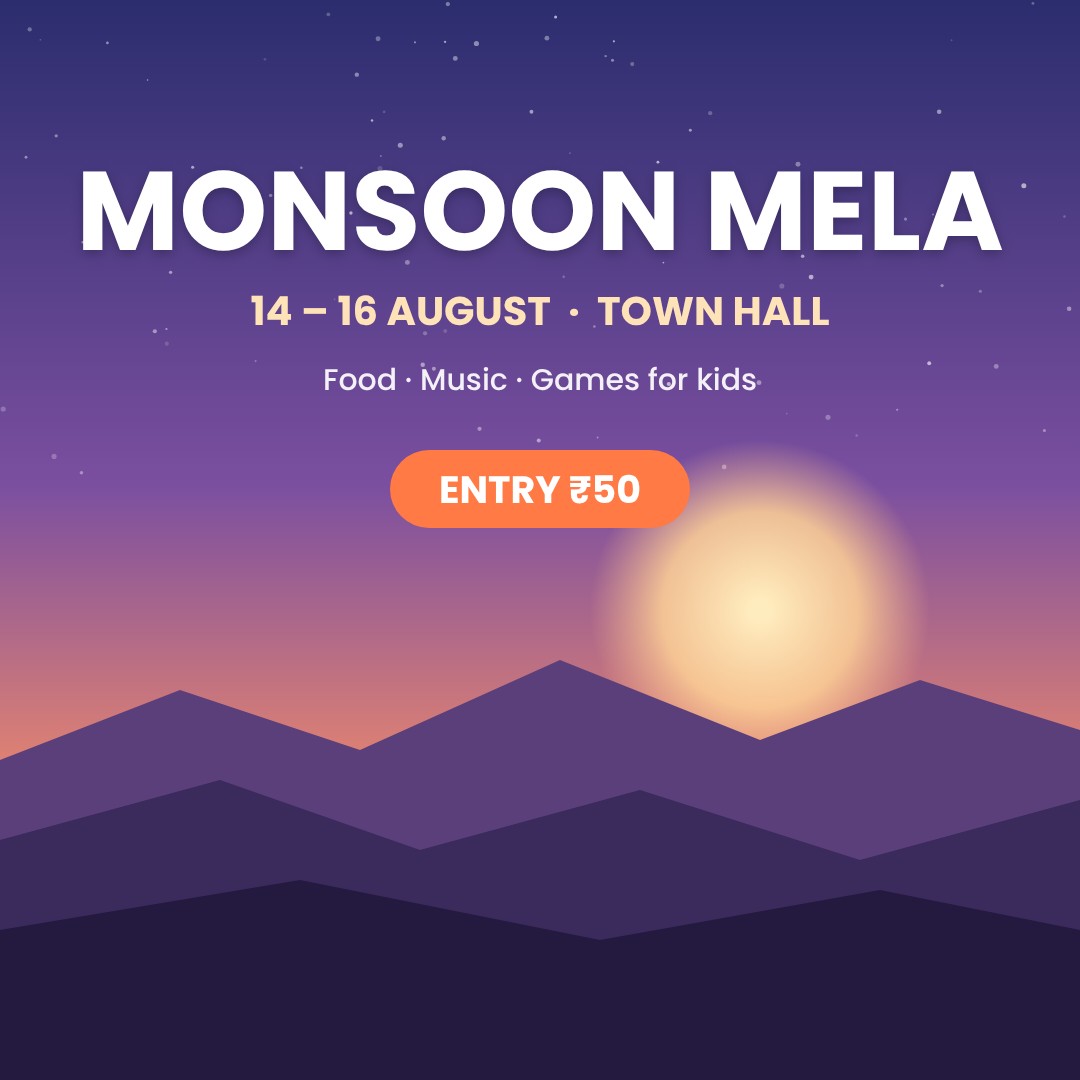
A shop owner types “Summer ko Diwali karo aur 40% ko 50% karo” and the poster is ready for the festival week, in the same font.
Tell it what to change in your own words, in English, Hindi or Hinglish. The AI finds the right text in the picture, shows you the new wording, and redraws it in the same font, size and colour.
or drop a picture here, or paste it with Ctrl+V

or drop a picture here, or paste it with Ctrl+V
Recorded in the editor that opens when you upload. One instruction changes two lines of a poster; the new wording is listed first, then drawn in the poster’s own font.
Drop it on the box, paste it with Ctrl+V, or choose a file. The editor opens with Edit with AI ready and reads the text first.
Write it the way you would tell a person: “make the sale 50% off”, “2025 ko sab jagah 2026 karo”, or “change the heading to Diwali Offer”.
Every change is listed before anything is drawn. Untick what you don’t want, press Apply, and download. One Undo takes it all back.
A shop owner types “Summer ko Diwali karo aur 40% ko 50% karo” and the poster is ready for the festival week, in the same font.
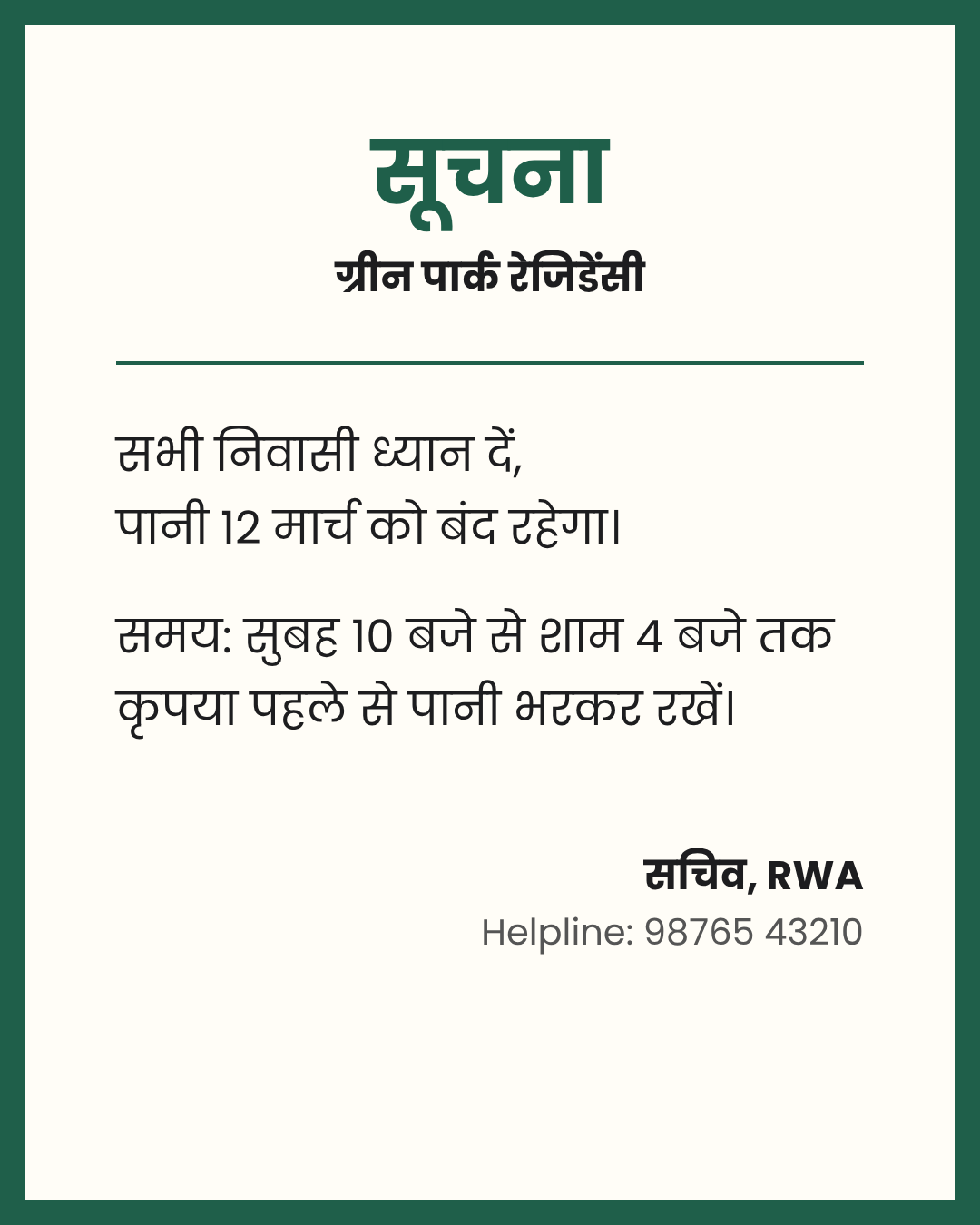
A school office asks to change 2025 to 2026 everywhere on a notice, and all the dates are found and changed together.
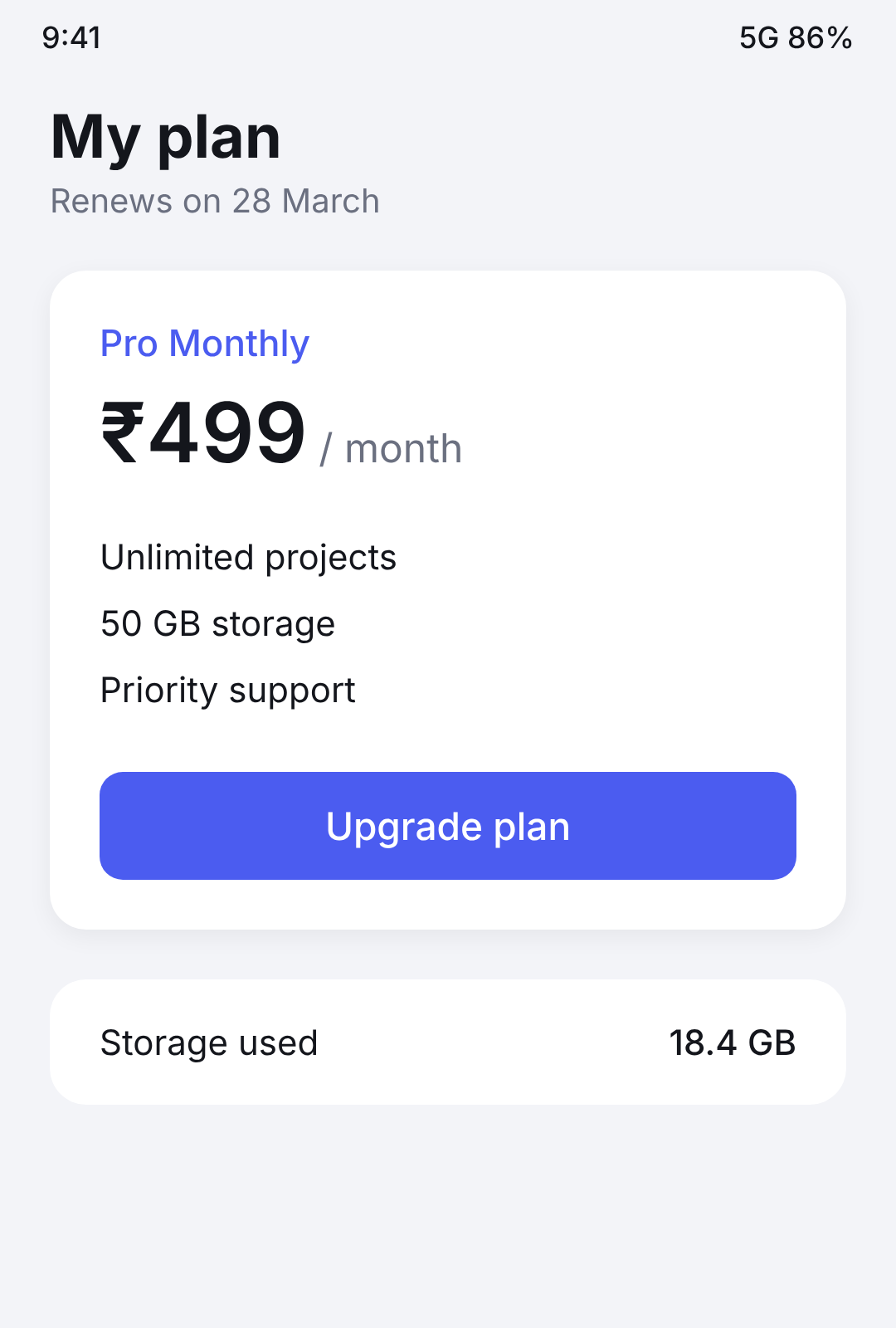
A café writes “raise every coffee price by ₹10” and checks the list of new prices before they are drawn on the menu photo.
The AI only decides the new wording. It never paints the picture itself: PicRetext redraws each changed line with the font, size and colour it found there, the same way as when you edit by hand.
Nothing changes until you press Apply, and you can untick any change in the list. Lines you did not mention stay exactly as they were.
On a busy poster or a long page, draw a box around the part you mean and only that text is sent. “The price below the photo” then can’t be confused with another price.
You can always click any line and type the new words yourself, for free. The AI is there for many changes at once, or when you would rather just say it.
Edit text in an image →Each instruction uses 1 credit, and only when something is changed. New accounts get 2 free credits, and more can be bought on the pricing page. Editing text by hand stays free.
Yes, for the AI part, so your credits stay with your account. Reading, editing, removing and adding text by hand need no sign-up.
Yes. Write in English, Hindi or Hinglish, and say “everywhere” or “sab jagah” to change every place a word appears.
Yes. The AI picks the words; PicRetext then draws them with the font, weight, size and colour matched from the picture.
The text found in your picture, where each line sits, your instruction and a small copy of the picture, so it knows which line you mean. Your full-size picture stays in your browser.
Have a picture with text to change?
Free, in your browser, no sign-up.